Install TweakPHP on macOS: Open-Source PHP Debugging Tool

Gerald Warri

TweakPHP, a free and open-source PHP debugging tool, has released its 0.2.0 Beta version, now available for macOS users. This release offers a lightweight alternative to Tinkerwell, enhancing PHP development with features like Laravel support and Monaco Editor integration.
What's New in TweakPHP 0.2.0 Beta?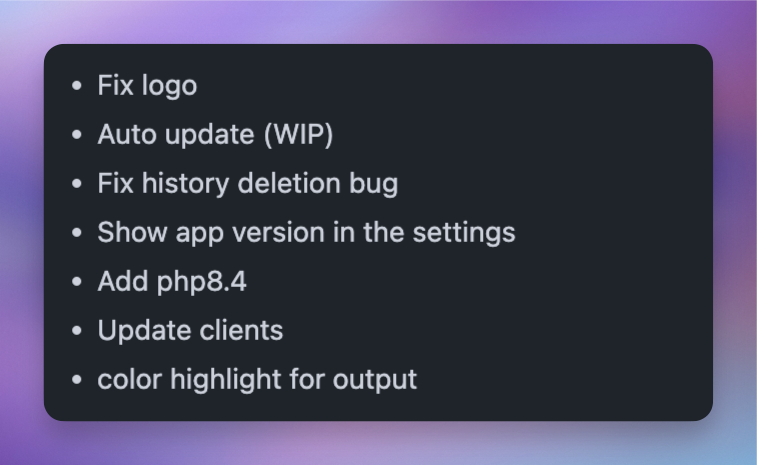
- macOS Support: Download the .dmg file to install TweakPHP on your Mac effortlessly.
- Smoother Performance: Optimizations ensure faster and more stable operation.
- Free and Open-Source: No subscriptions or hidden fees; customize or contribute as you wish.
How to Install TweakPHP on macOS
- Download the .dmg File: Visit the TweakPHP GitHub Releases page and download the latest .dmg file.
- Install the App:
- Open the downloaded .dmg file.
- Drag the TweakPHP icon into your Applications folder.
- Launch TweakPHP:
- Open the app from your Applications folder.
- If you encounter the error message "TweakPHP cannot be opened," navigate to System Settings > Privacy & Security, and click "Open Anyway" under the security message for TweakPHP.
- Set the PHP Path:
- Open Terminal and run which php to find your PHP path.
- Copy the path and paste it into TweakPHP when prompted.
Upcoming Features
The TweakPHP team is developing additional features, including:
- Symfony and WordPress Support
- Remote Code Execution via SSH
- Docker Integration for Isolated Testing
Try TweakPHP Today!
Download the beta from the TweakPHP GitHub page and enhance your PHP development workflow.
Share this article

Related Articles

Laravel Filament: How to Properly Sort by Pivot Table Columns
Learn how to correctly sort related records in Filament without MySQL errors by referencing the correct table in defaultSort

Filament: Invite Only Registration via Email Invitations
Learn how to implement an invite-only registration feature using Filament, ensuring exclusive access to your platform and enhancing user engagement through personalized invitations and controlled membership enrollment.

Adding a Live Chat Widget to Your Filament Dashboard
Discover how to add a live chat widget to your Filament app and pass user details for personalized support.